Why You Need One Link That Tracks All Your Campaigns
Picture this: you run a small perfume shop on Instagram. You drop your product link in your bio, in a story, and in a direct message to a few potential customers. A week later, you ask yourself: which channel brought the most visits? You don't know. Because you used the same link everywhere, and there's no way to tell where each visit came from. This is a common problem. The fix isn't complicated: use one short link per campaign, with the right tracking settings. On Linki.ws, you can create custom short links, add UTM parameters, turn on A/B link rotation, and use analytics to see country, city, referrer, and device. That gives you a clearer picture of how each channel performs, without complicated tools or extra budget.
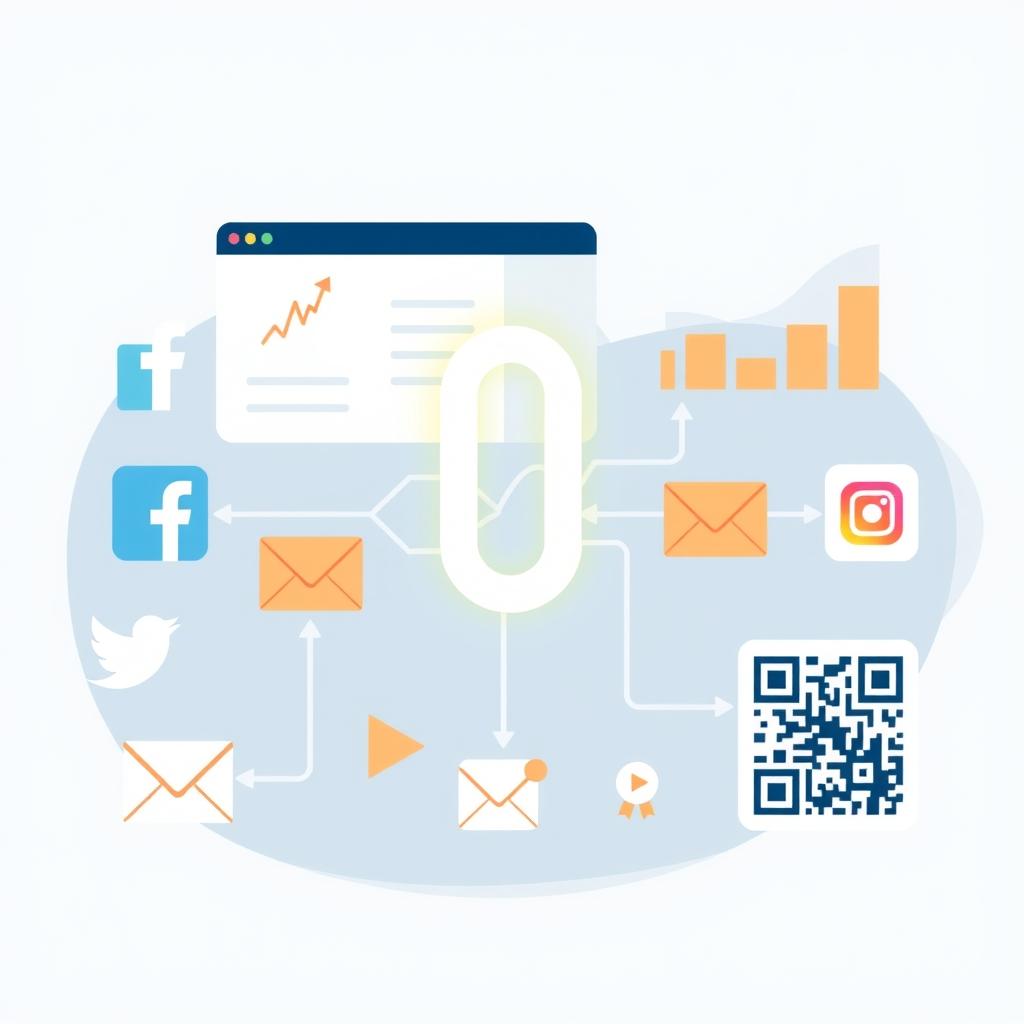
But why isn't a regular link enough? Because a regular link carries no information about where the visit came from. When you share one link in several places, the data blends together and you can't tell who came from Instagram and who came from WhatsApp. A trackable short link solves this because it lets you create a unique version for each channel while keeping a single destination. This doesn't take deep technical skill, just a few simple steps you'll learn here.
The Difference Between a Regular Link and a Trackable Short Link
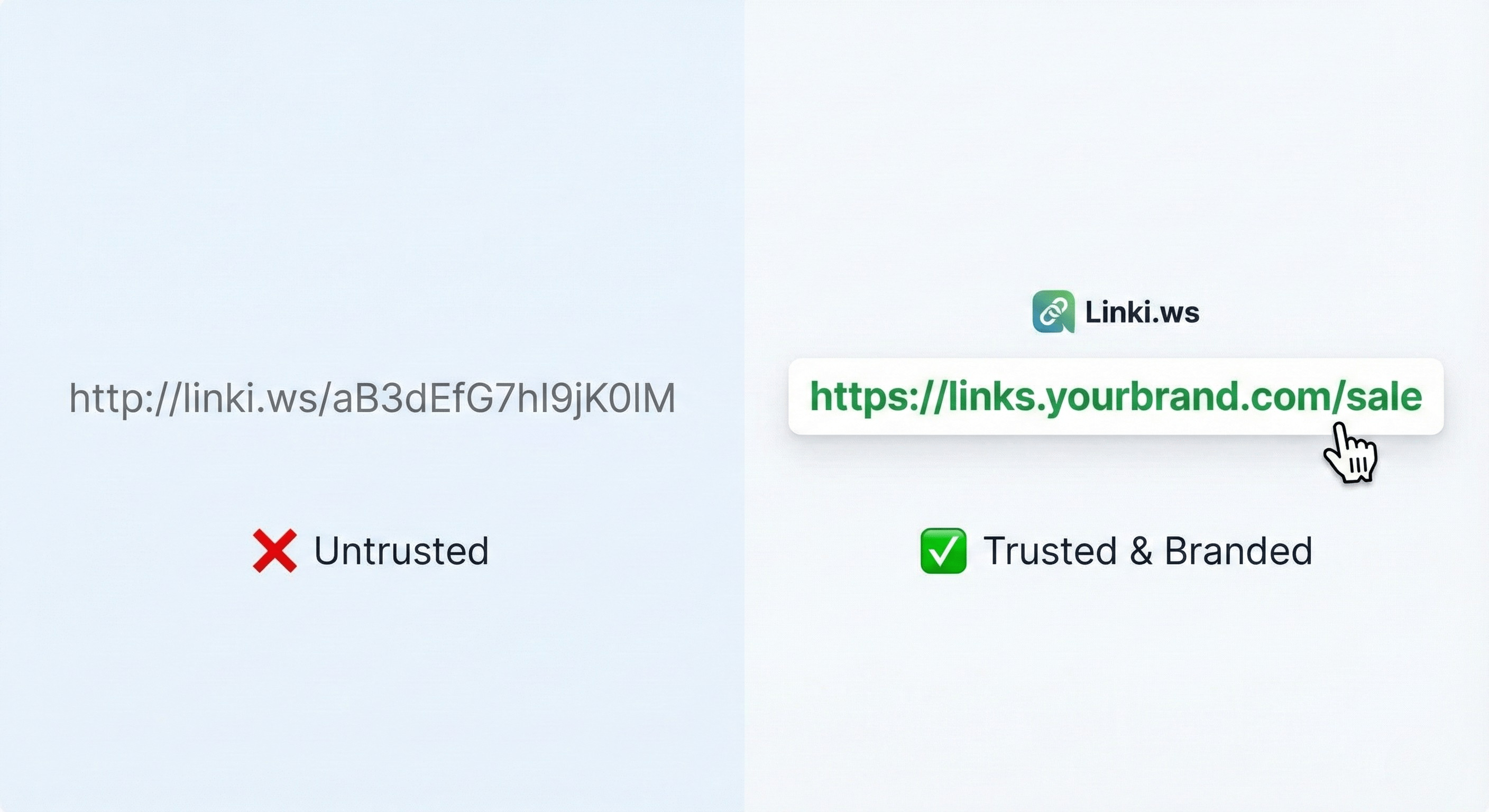
A regular link like https://example.com/products/perfume-oud works, but it won't tell you where the click came from. A trackable short link, like https://linki.ws/oud, can be tied to UTM parameters and other settings. On Linki.ws, you can customize the back-half of the link so it's easy to remember, and add UTM parameters automatically. That means you can tell each campaign apart even when the final destination is the same. For example, you can create one link for your Instagram campaign and another for your WhatsApp campaign, both pointing to the same product page, but analytics will show each campaign separately. You can also schedule a link or set an expiration date, which is handy for seasonal offers.
Another useful feature is deep links, which send users to a specific app if it's installed on their phone, or auto-open the app on mobile. This reduces friction and can help more people finish a purchase. You can also password-protect a link if the content is exclusive, or cloak the destination URL if you don't want to reveal the original address. All these options give you more control over the visitor's experience and over how accurately you measure it.
Steps to Create One Campaign Link on Linki.ws
Let's get practical. First, log in to your Linki.ws account and open the URL shortener tool. Paste the original link to your product page or bio page. Second, customize the back-half of the link so it's clear, like /offre-oud or /insta-oud. Third, add UTM parameters: utm_source (where the visit comes from, like instagram), utm_medium (like social or story), utm_campaign (the campaign name, like launch-oud). Fourth, if you're testing two versions of a landing page, use A/B link rotation to send visitors to two different links, then compare results in analytics. Fifth, turn on tracking pixels if you're running paid ads, like the Facebook or TikTok pixel, so you can retarget visitors later. Finally, save the link and copy it for use in the campaign.
One more step: test the link yourself before you publish it. Open it from your phone and your computer, and make sure the splash page works if you're using one, and that the destination is correct. You can also use the URL redirect checker tool on Linki.ws to confirm there are no errors. Don't forget to standardize how you write UTM parameters (like always using lowercase instagram) to avoid messy, scattered data in your reports.
How to Read Link Analytics and Make a Decision
Once the campaign is live, give it a few days and then open the analytics dashboard on Linki.ws. You'll see clicks, countries, cities, referrers, devices, operating systems, and languages. Don't just look at the click count. Ask: where did most visitors come from? Instagram or email? Are they on mobile or desktop? If most visits are from mobile, make sure your landing page works well on phones. If the referrer shows as direct, the link may have been shared without UTM tags, or visitors may have copied and pasted it. Use this information to improve your next campaign: focus on the channel that brings more engaged visitors, not just more clicks. You can also turn on weekly email reports so summaries arrive without opening the dashboard every day.
Here's a practical decision example: if you find that Instagram visitors spend more time on the page but don't buy, while WhatsApp visitors buy more, you may need to adjust the offer or the page for Instagram. Analytics tells you where to put your effort, but it doesn't guarantee results. What matters is building a habit of reviewing the data regularly and turning it into small, actionable decisions.
Practical Example: A Perfume Shop on Instagram
Let's say you run a small perfume shop. You have a bio page on Linki.ws showing your new product link, your WhatsApp account link, and your blog link. You want to know which channel brings sales. Create three short links: one for the Instagram campaign (story and bio), one for the WhatsApp messages campaign, and one for the email newsletter campaign. Add UTM tags to each. After a week, you'll notice the Instagram link brought many visits but less engagement, while the WhatsApp link brought fewer visits but they were more serious. That tells you to focus on improving the landing page for Instagram traffic, or to create a special offer for WhatsApp followers. You can also use country-level targeting (country only) to send visitors from a specific country to a different page, if that feature is available on your plan.
One more step: use a QR code in your physical store that points to a campaign-specific short link, then track how many clicks come from the store. This connects the digital and physical worlds and gives you another channel to measure. And if you have a bio page, add an announcement banner to promote a limited-time offer with its own short link, so you know how many people clicked from the banner.
Common Mistakes That Hurt Tracking Accuracy
Mistake one: using the same link across every channel with no differentiation. Mistake two: forgetting to add UTM tags or writing them inconsistently (like Instagram with a capital I in one place and lowercase in another). Mistake three: not checking the link before publishing. Use the URL redirect checker tool on Linki.ws to confirm the link works and points to the right page. Mistake four: skipping tests on different devices. Open the link from your phone and computer and make sure the splash page works if you're using one. Mistake five: not reviewing analytics regularly. Set aside five minutes a week to look at the numbers and compare performance. Good tracking doesn't guarantee results, but it reduces guesswork in your decisions.
Mistake six: relying on one link for several different offers. If you have two offers running at the same time, use two separate links so the results don't mix. Mistake seven: neglecting to update old links. If a link expires, make sure to redirect it to a backup page so you don't lose visitors. These small details make a real difference in data accuracy.
How to Get More from Short Links on Bio Pages
Your Linki.ws bio page can hold multiple buttons, each one a short link for a different campaign. Instead of placing the product link directly, use a short link with UTM tags. That way, when a visitor clicks the "Order Now" button, you'll know which button they came from. You can also use the announcement banner on your bio page to promote a limited-time offer with its own short link. And if you use QR codes in your physical store, you can create a QR code that points to a campaign-specific short link, then track how many clicks come from the store. All these small details add up to a clearer picture of your audience's behavior.
You can also customize your bio page colors and add ready-made biolink blocks that match your brand. If you offer exclusive content, use password protection on some buttons. This flexibility makes your bio page a launchpad for your campaigns, and each button can be its own short link with its own data.
Key Takeaways
- Create one short link per channel or campaign, with a custom back-half and UTM tags.
- Use A/B link rotation to test two versions of a landing page or offer.
- Review analytics weekly and focus on sources, devices, and cities, not just click counts.
- Fix common mistakes: standardize your UTM spelling and test links before publishing.
- Try combining short links with your bio page and QR codes to connect digital and physical touchpoints.
If you want to put these steps into practice today, you can start with a free account on Linki.ws and create your first campaign link. It takes only a few minutes, and it can help you make better marketing decisions in your next campaign.