What Is a Splash Page and Why Would You Need One?
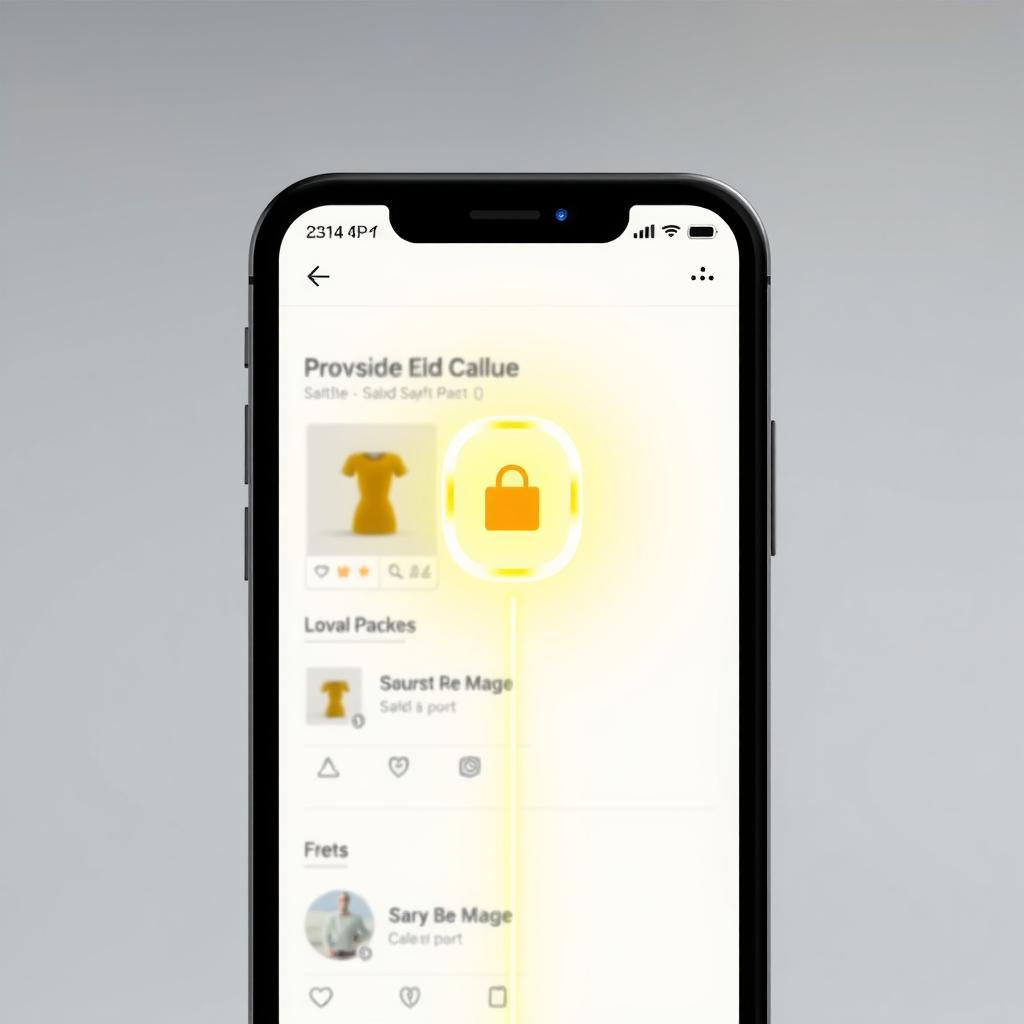
Picture this: you share a short link on Instagram, and when your follower clicks it, they land straight on the product page. That's fine, but what if you want to show them a welcome message, a warning, or some instructions before they arrive? That's where a splash page comes in. It's an intermediate page that appears for a few seconds before the user reaches the final destination. You use it to add context, confirm the click, showcase a special offer, or guide the user to an app. In Linki, you can enable a splash page on short links, which gives you more control over the very first moment your audience interacts with your link.
Why does this matter for a store owner or an influencer? Because that first click is the most valuable thing you have. If you can improve it, you can help increase conversion chances. A splash page isn't just a barrier; it's an opportunity to build anticipation or deliver extra value. In this guide, we'll explain how to use it wisely, with practical examples and direct implementation steps through Linki.
When Is a Splash Page Useful for Your Store or Brand?
Not every link needs a splash page. But there are situations where having one makes sense and adds value. Here are the main scenarios:
- Links that lead to an app: If you have an app and want to guide the user to open or download it, you can use a splash page to tell them they're about to be redirected to the app, with an option to stay in the browser. This reduces confusion.
- Exclusive offers: When you share a link for a limited-time offer, the splash page can confirm the offer and remind them of the terms, which cuts down on inquiries.
- Sensitive content: If the link leads to adult content or needs a warning, you can use a splash page with a sensitive content warning (a separate feature in Linki that can be combined with the splash page).
- Links shared in ad campaigns: You might want to remind the user of the click source or present a welcome offer before the landing page.
But be careful: a splash page can slow down the journey to the goal, so only use it when it adds real value. If it's just an obstacle, the user may leave. Ask yourself this question before enabling it: does this page add information the visitor actually needs before moving on? If the answer is no, it's better to let them go straight through.
How to Enable a Splash Page in Linki
Enabling a splash page in Linki is easy. Follow these steps:
- Go to your Linki dashboard, choose "Short Links," then create a new link or select an existing one.
- In the link settings, look for the "Splash page" option and turn it on.
- You'll see fields to customize the page: you can add a title, description, and image (optional). You can also set the delay before automatic redirection (e.g., 3 seconds).
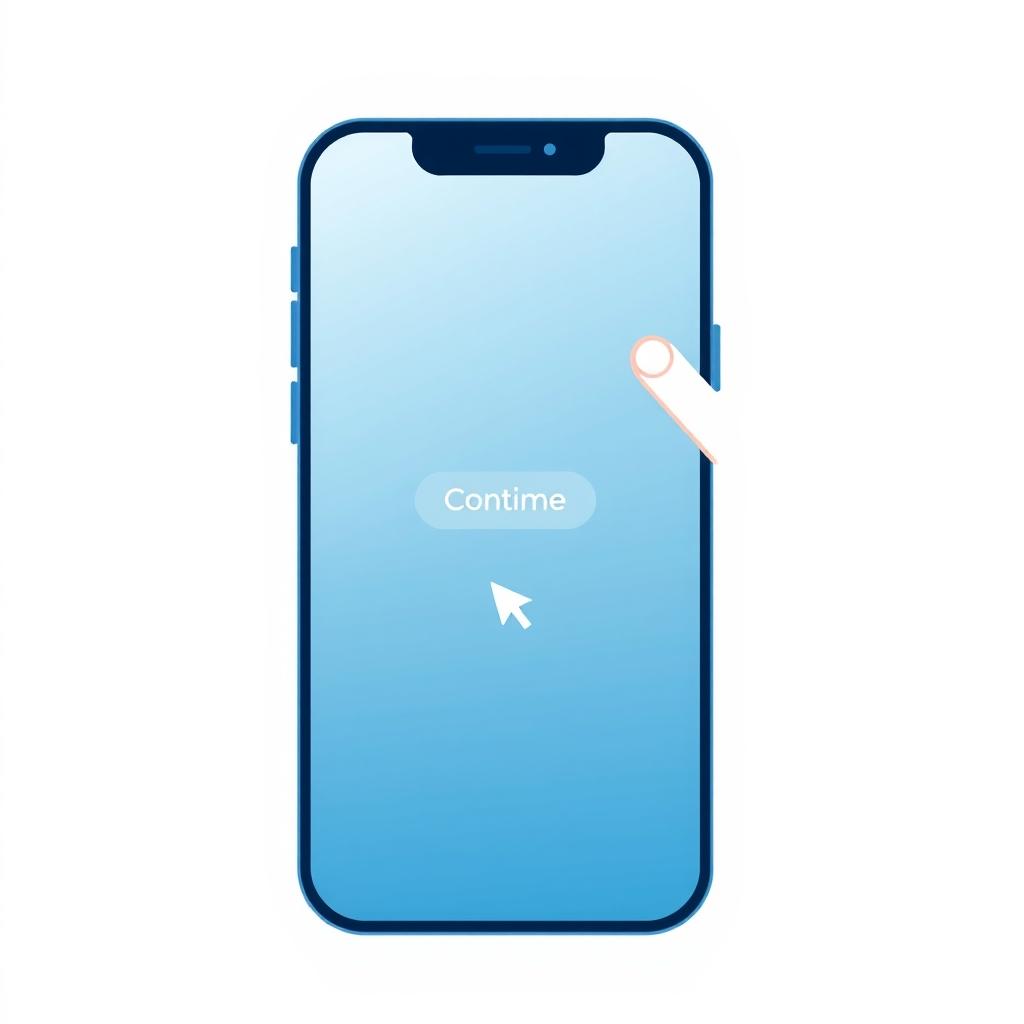
- Add a button for immediate redirection if the user wants to skip the wait. You can label it "Continue" or "Go to site."
- Save the link. Now when anyone clicks the short link, the splash page will appear first.
Remember that the splash page is available with short links, not with bio pages. If you're using a bio link, you can't add a splash page to it. But you can create a separate short link and point it to the bio page with a splash page.
A common mistake here: forgetting to test the link after saving. Open the link in an incognito window on your phone and computer, and make sure the splash page appears and then redirects to the correct destination. Sometimes there's a typo in the original URL or in the delay settings, and you won't discover it until you actually try.
Tips for Designing an Effective Splash Page
Good design for a splash page makes a difference. Here are some tips based on digital marketing practices:
- Keep it simple and fast-loading: Don't add heavy elements. Use clear text and a light image. The goal is to inform the user, not overwhelm them.
- Write a clear headline: For example, "You're about to be redirected to our store" or "Redirecting you to the app." Avoid ambiguity.
- Add a reason to continue: You can mention a quick benefit: "Enjoy 10% off your first purchase." This encourages them to proceed.
- Use your branding: Add your logo or colors to reassure the user they're in the right place.
- Provide a skip option: Not everyone likes to wait, so include a clear button to skip the page.
These tips are general, but you can apply them within the splash page settings in Linki according to the available fields.
An example of a common mistake: writing a long paragraph explaining the company's history before the continue button. At this moment, the visitor wants to get to what you promised in the link, not read a blurb. Keep the message to two lines max, and put the details on the final page. Also, don't use more than one button; a clear "Continue" button is enough, and any extra link can distract.
Real-World Examples from Different Businesses
Let's see how a splash page can be applied in different contexts:
A small perfume shop on Instagram
The shop shares a link to a new perfume in their stories. The link leads to the product page, but the shop wants to confirm the perfume is authentic and available for a limited time. They add a splash page that says: "Our new perfume has arrived! Limited stock. Click to continue shopping." This builds anticipation and reduces bounce.
A fitness coach
She shares a link to book a free consultation. She wants the user to know the session takes 15 minutes and that they'll receive a call. The splash page clarifies: "We'll contact you within 24 hours. Make sure your number is correct." This reduces drop-off.
A freelance designer
He shares a link to his portfolio on Behance. He wants to direct visitors to his profile, but he adds a splash page that says: "You're now leaving my site. Follow me on Behance to see my latest work." This clarifies the destination.
These examples show how a splash page adds context and reduces confusion. Notice that each example uses one or two sentences, not a long text. That's the measure: if you need more than three sentences, you're probably trying to explain something that belongs on the final page.
Measuring the Impact of Your Splash Page and Improving It
After enabling the splash page, how do you know if it's helping or hurting? Watch the analytics metrics in Linki. You can see the number of clicks on the link and the number of arrivals at the final destination (if you're using additional tracking). Compare the conversion rate before and after adding the page. If you notice a drop in clicks that reach the goal, the splash page might be an obstacle. Try changing the text, reducing the delay, or removing the page entirely. Remember that optimization is an ongoing process. Also use tracking pixels (like Facebook Pixel) on the landing page to measure conversions accurately, but keep in mind that the splash page may affect some pixel tracking if not set up correctly. In Linki, you can add tracking pixels to short links, but the splash page may disrupt tracking if the final destination is outside your control. So always test.
A practical way to compare: create two short links to the same destination, one with a splash page and one without, and share them under similar conditions (same audience or same campaign). After a week, compare the number of clicks that reached the goal. This simple test gives you a clearer signal than guessing. And if the final destination has a signup form, look at the form completion rate too; the splash page may have helped filter out less serious visitors.
Common Mistakes to Avoid
There are some mistakes marketers make when using splash pages:
- Using it on every link: This annoys your audience and slows down access. Use it only when needed.
- Text that's too long: People don't read. Keep the message short and direct.
- Not providing a skip button: Some users hate waiting and may close the page.
- Neglecting mobile: Make sure the splash page looks good on phones, since that's where most traffic comes from.
- Not testing the link: Before sharing it, try the link yourself on different devices.
Avoid these mistakes and you'll get a better experience.
Key Takeaways
- Identify links that can benefit from a splash page (like app links or special offers).
- Create a short link in Linki and enable the splash page option.
- Write a short, clear message, add a skip button, and test the link on mobile.
- Monitor link performance and compare conversion rates before and after, adjusting the message if needed.
Try using a splash page on just one link and measure the result. You might find it helps improve your followers' experience. If you want to explore the feature yourself, you can start at https://linki.ws.