Why Do Your Customers Get Lost Between the Browser and the App?
Picture this. You run a small perfume shop, and you spent a good chunk of an afternoon crafting a clean Instagram ad for a new fragrance. A customer taps the link. Their phone browser opens to a long homepage, and they start hunting for that one bottle. Maybe they find it. Maybe they get bored and close the tab. The ad wasn't the problem. The journey after the tap was.
This happens to a fitness coach sharing a booking link, and to a freelance designer sending a portfolio link. Every time, the user has to jump through extra hoops: log in, search inside the app, or even install the app first. Each extra step is another chance for them to give up and walk away.
That's where deep links come in. In plain terms, a deep link doesn't just open your app. It opens a specific screen inside it, like a product page, a booking form, or a special offer. Instead of starting from scratch, your customer starts exactly where you want them to be.
In this guide, you'll see how to use deep links with Linki to improve the customer experience and give people a better shot at finishing a purchase or a booking. No magic promises here, just practical steps you can test today.
What Are Deep Links, and How Are They Different from Regular Links?
A regular link, when opened on a phone, might load a web page or send you to the app store to download something. A deep link carries extra information that tells the operating system which screen to show inside the app. For example, a link for a specific perfume can open your store's app right on that product page.
The biggest payoff shows up in marketing campaigns. When you send a link through WhatsApp, email, or a social post, you want the customer to land close to the buy button. Deep links cut down on friction and make the experience smoother.
With Linki, you can create a short link that points to a deep link. That means you get a short, tidy link you can share anywhere, and it still sends the user to the right screen inside your app. This is part of the URL shortener features, and you can pair it with the auto-open app on mobile option for a more fluid experience.
One caveat: deep links aren't a magic fix. If the product page inside your app is slow or confusing, a deep link won't rescue it. The point is to make getting there easy, not to paper over a weak experience.
How Can You Use Deep Links in Your Campaigns?
Let's look at a few real-world examples from small and mid-sized businesses. A perfume shop owner launches a new scent. Instead of sending the homepage link, they create a deep link that opens the new product page inside the store app. When they share it in a newsletter or a WhatsApp message, the customer lands on the product right away.
A fitness coach offers a trial session. She can create a deep link that opens the booking form inside her app, or the calendar page. That lowers the odds of the customer getting lost between sections.
A freelance designer wants to share a portfolio. He can use a deep link that opens the portfolio inside a portfolio app, or a specific project page. It looks professional and saves the client the trouble of digging around.
In all these cases, you can use short links from Linki to wrap the deep link. You also get click tracking and performance data through the analytics dashboard. You can see click counts, countries, and devices, which helps you fine-tune your campaigns.
Keep in mind that deep links work best when the landing screen inside your app is ready to receive visitors: clear images, a price, a buy button, and an easy form. If that page isn't ready, your effort may go to waste.
Steps to Create a Deep Link with Linki
The process is simple and doesn't require technical experience. Follow these steps:
- Identify the deep link you want to send users to. Your app platform or developer team usually provides this. Example:
myapp://product/123or a universal link likehttps://myapp.com/product/123. - Log in to your Linki dashboard and choose to create a new short link.
- Paste the deep link into the destination field. If the link is long, that's fine. The system will handle it.
- Turn on the "auto-open app on mobile" option if it's available in the link settings. This helps open the app directly instead of the browser.
- Customize the back-half of the link to make it easy to remember, like
linki.ws/perfume. - Add UTM parameters if you want precise campaign tracking. You can add
?utm_source=instagram&utm_medium=socialand so on. - Save the link and test it on different devices to make sure it opens the right screen.
Once it's created, you can share the link in your posts or add it to your bio link page. And if you use QR codes, you can generate a QR code that points to the short link, making it easy for customers to scan and land directly.
Common Mistakes That Make Your Deep Links Useless
Even with good tools, you can make mistakes that reduce the effectiveness of deep links. Here are the most common ones:
- Not testing the link on multiple devices: A link might work on iOS and fail on Android. Test it on different phones.
- Ignoring users who don't have the app: If the app isn't installed, the deep link may not work. In that case, you can use a splash page that explains the user will be sent to the store to download the app, or to an alternative web page.
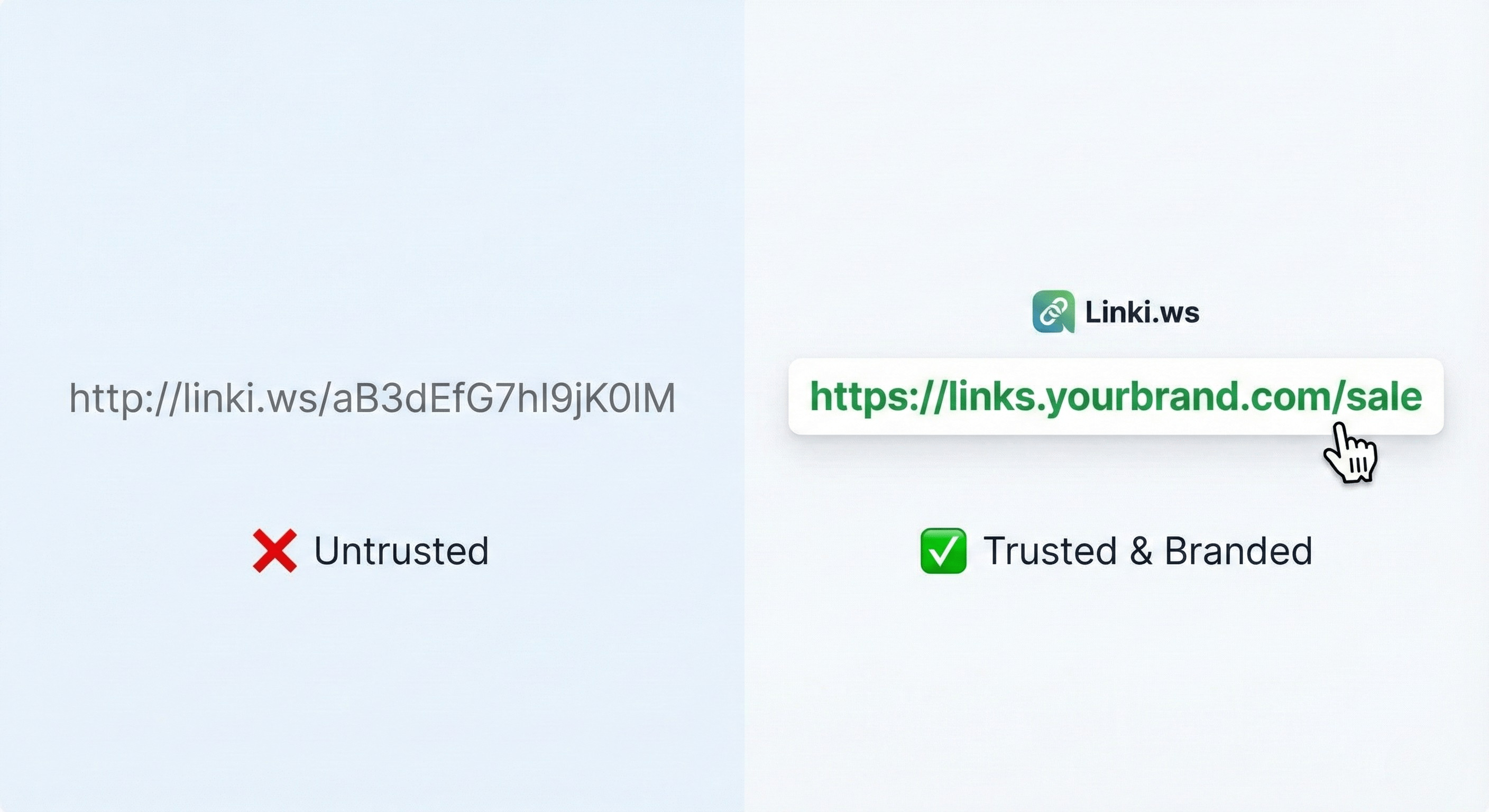
- Long, complicated links: Always use a short, easy-to-share link. Long links look unprofessional and may get cut off in some apps.
- Forgetting campaign tracking: Without UTM, you won't know which channel brought the clicks. Use UTM parameters consistently.
- Not updating links: If your app's structure changes, deep links may stop working. Review them regularly.
Avoiding these mistakes increases your chances of campaign success. And remember, Linki's analytics help you spot issues: if you see high clicks but low conversions, the problem may be the landing page inside the app.
How Do You Measure Deep Link Success?
You can't improve what you don't measure. After you create your deep links, you need to track their performance. Here's what you can measure:
- Click count: Gives you a sense of how appealing the link is in the channel where you shared it.
- Countries and devices: Shows where your audience is and what devices they use. This can influence design decisions.
- Referrers: Tells you which channels bring the most clicks.
- UTM parameters: Lets you analyze each campaign separately.
- In-app conversion rate: This requires integration with app analytics tools, but it's an important indicator.
In Linki, you can view link analytics from your dashboard. You can also set up weekly email reports so summaries arrive without you having to log in each time. This data helps you test improvements, like changing the link text, the channel, or the landing page.
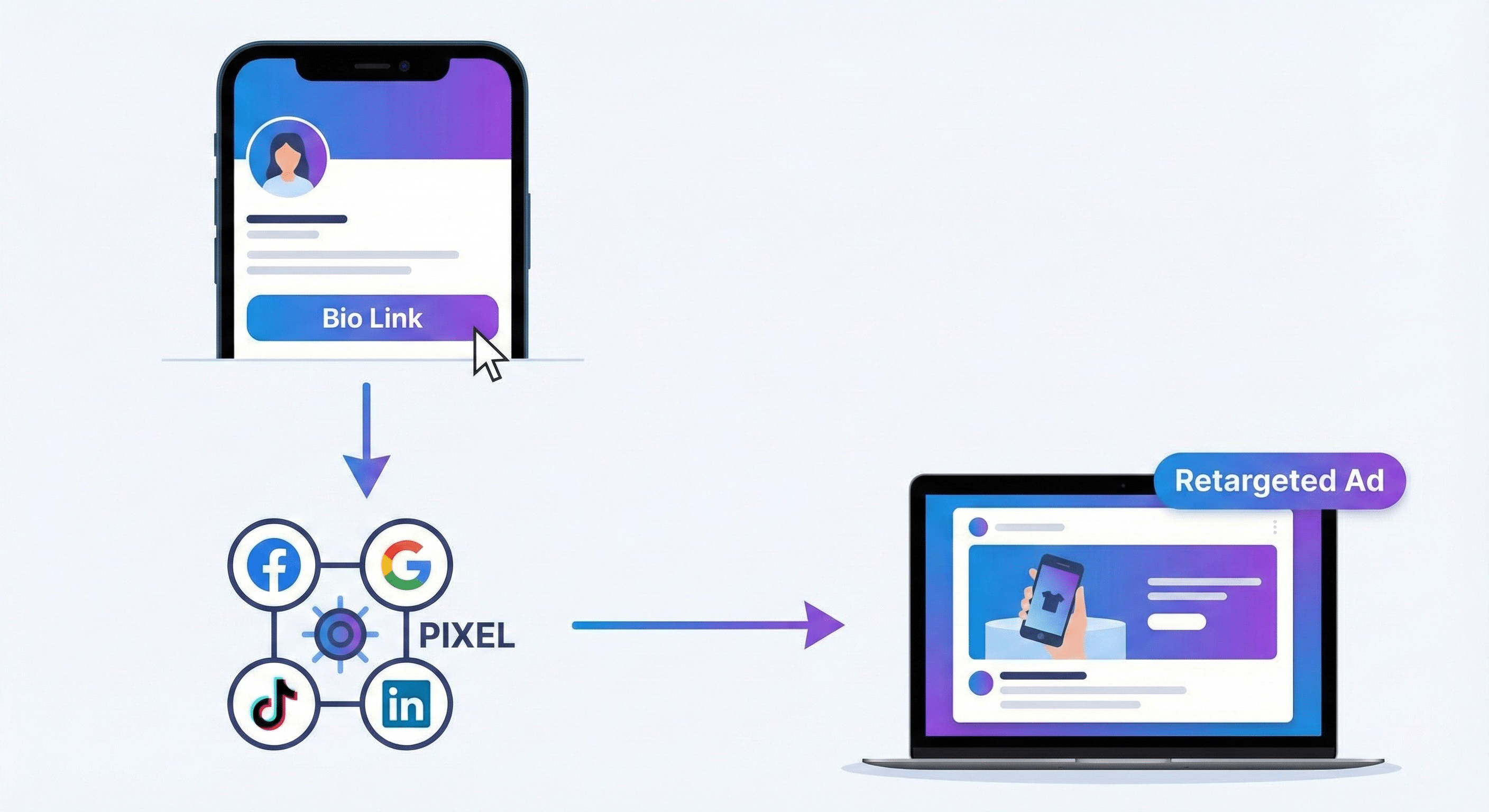
If you use tracking pixels like Facebook Pixel or Google Analytics, you can add them to Linki pages to measure conversions more accurately. Just remember that tracking in-app events requires a separate integration.
Integrating Deep Links with Your Other Marketing Tools
Deep links aren't a standalone tool. You can combine them with other elements to improve results. For example:
- Bio link page: Put the deep link as a button on your bio link page. You can customize colors and branding so it looks consistent.
- Announcement banner: Announce a limited-time offer with a deep link straight to the offer page inside the app.
- QR codes: Create a QR code that points to the short link, and place it on packaging or printed materials. When a customer scans it, the app opens on the product directly.
- Email: Use deep links in your newsletters to increase click-through chances.
- Deep links in paid ads: Some ad platforms support deep links, which improves the ad experience.
Keep in mind that each channel may need a different deep link. Don't share the same link everywhere without distinguishing them, because that makes tracking harder. Use UTM parameters to tell each channel apart.
Finally, don't forget that the user experience starts with the ad and ends inside the app. If the steps are smooth, the chances of completing the desired action go up. Deep links are just one part of that chain.
Practical Recap
To get the most out of deep links, start with these steps:
- Identify the screens inside your app you want to send users to, like product pages or booking forms.
- Create deep links using the Linki dashboard, and turn on the auto-open app on mobile option.
- Test the links on different devices and make sure they work.
- Monitor analytics and use UTM to see which channels perform best.
- Integrate the links with your bio link page, QR codes, and email to boost reach.
Key Takeaways
- Deep links send users to a specific screen inside your app, cutting out the extra steps that cause drop-off.
- Create a short link in Linki that points to your deep link, and enable the auto-open app on mobile option where it makes sense.
- Test every link on iOS and Android before you share it, and have a splash page ready for people who don't have the app installed.
- Tag your links with UTM parameters and check Linki's analytics (countries, devices, referrers) to see what's working.
- Place your deep links in your bio link page, QR codes, and emails, and review them whenever your app's structure changes.
When you're ready to try it, you can start from Linki at https://linki.ws and see how it fits into your next campaign.