Why Your Campaign Sometimes Fails Before It Starts
Picture this: you run a small perfume shop on Instagram. You've put together a beautiful post with a shortened link that sends customers to your product page. You wait for clicks, but nothing happens. The problem might not be your design or your content—it could be a link that doesn't work, points to the wrong page, or won't open the app on mobile. This is incredibly common, especially when you test a link on your desktop while your audience is on their phones. Testing ahead of time isn't a luxury; it's a step that protects you from real embarrassment and wasted ad budget. In this guide, you'll learn how to check your links quickly and systematically before publishing, using tools that are free to access, with a focus on what can actually help you.
Common Link Mistakes That Cost You Customers
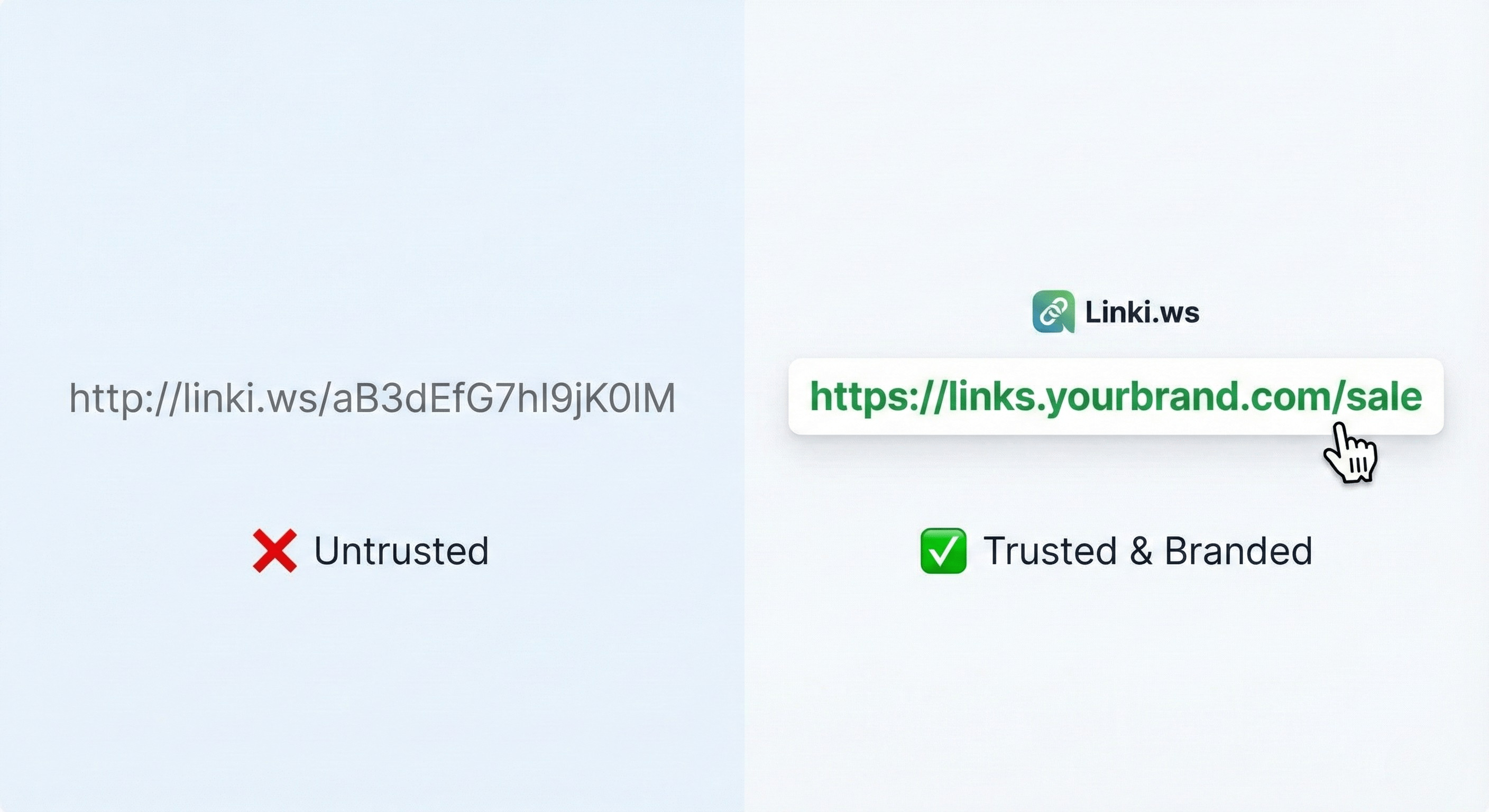
Before you start testing, get familiar with the most frequent mistakes. First, the broken link: maybe the last character is wrong or the page has been deleted. Second, the link that works on desktop but not on mobile, especially if it's supposed to open an app. Third, long links that get cut off in some apps or look untrustworthy. Fourth, forgetting to add UTM parameters, so you lose the ability to see where your traffic came from. Fifth, using a shortened link that doesn't reflect your brand, which lowers trust. Sixth, not testing for speed or browser compatibility. Every one of these can be avoided with a simple check. The key is to put yourself in your customer's shoes: does the link open smoothly? Do they understand where it will take them? Do they trust it?
Free Tools That Check Your Link in a Minute
You have a set of free tools you can use right now. A URL redirect checker tells you the chain of redirects a link goes through and whether it ends up on the right page. An SSL checker tells you if the site is secure. A DNS lookup might be needed if you're using a custom domain. A UTM generator helps you build links with precise parameters. A WhatsApp link generator or PayPal link generator ensures your links are correct. All these tools are available for free on the Linki platform among more than 100 web tools. You can open the tool, paste the link, and read the result in seconds. This step alone can reveal problems you wouldn't see with the naked eye.
Test the Link on Mobile First
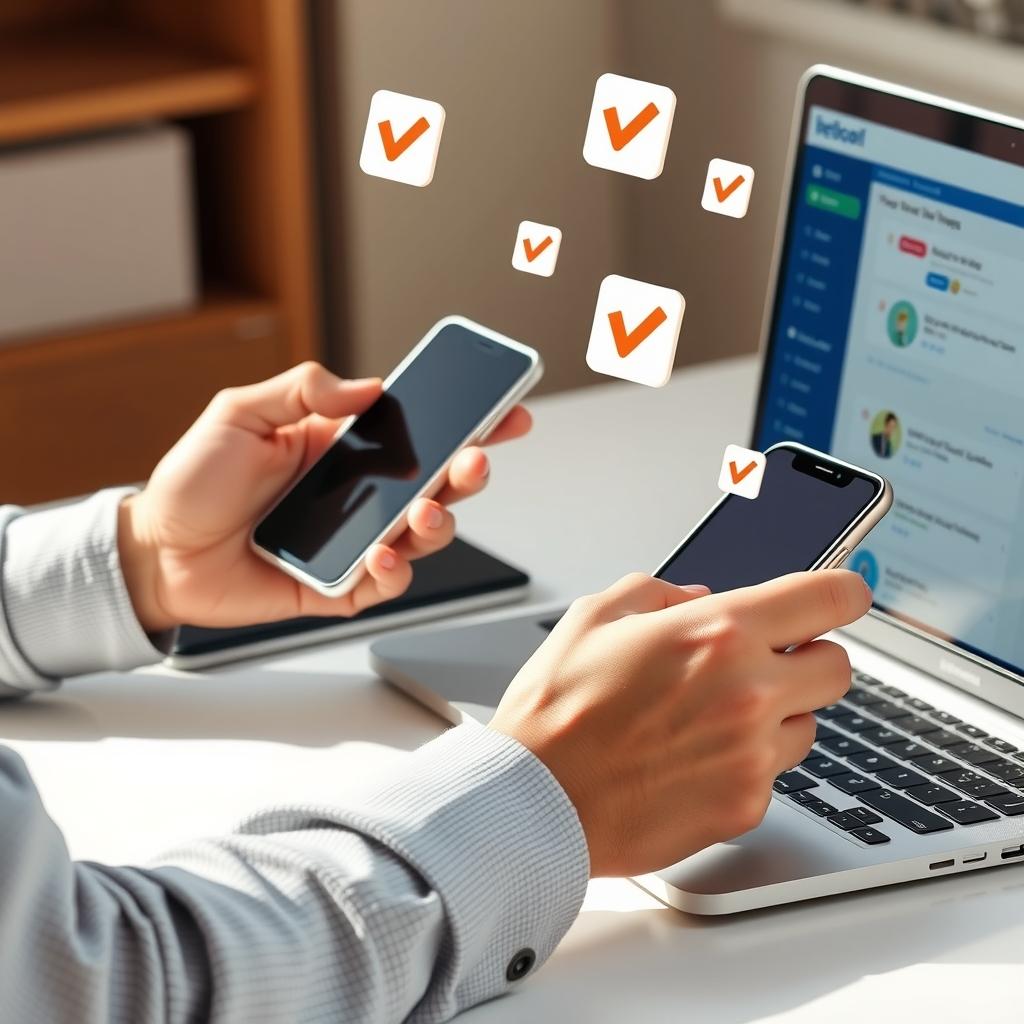
Most of your visitors will be on their phones. Test the link on your mobile device, preferably on a cellular network rather than just Wi-Fi. Open the link from different apps: Instagram, WhatsApp, Twitter, Telegram. Does it open the browser directly or show a warning? Does it open the app if you have a deep link? Is the page fast? If the link goes to an app store, make sure the page displays correctly. Also try opening the link in incognito mode to see the experience of a new visitor. These simple tests can save you countless complaints.
How to Test Targeting and Redirects
If you're using targeting by country, device, or language on your shortened links, test it! Use a VPN or another device to simulate a visitor from another country. Make sure the link points to the right page for each segment. If you're using A/B rotation, open the link several times and confirm that the versions alternate correctly. If you have a splash page, make sure it appears and disappears at the right time. These tests ensure your campaign works as planned, not as you hope.
Check Your Bio Link Page Before Publishing
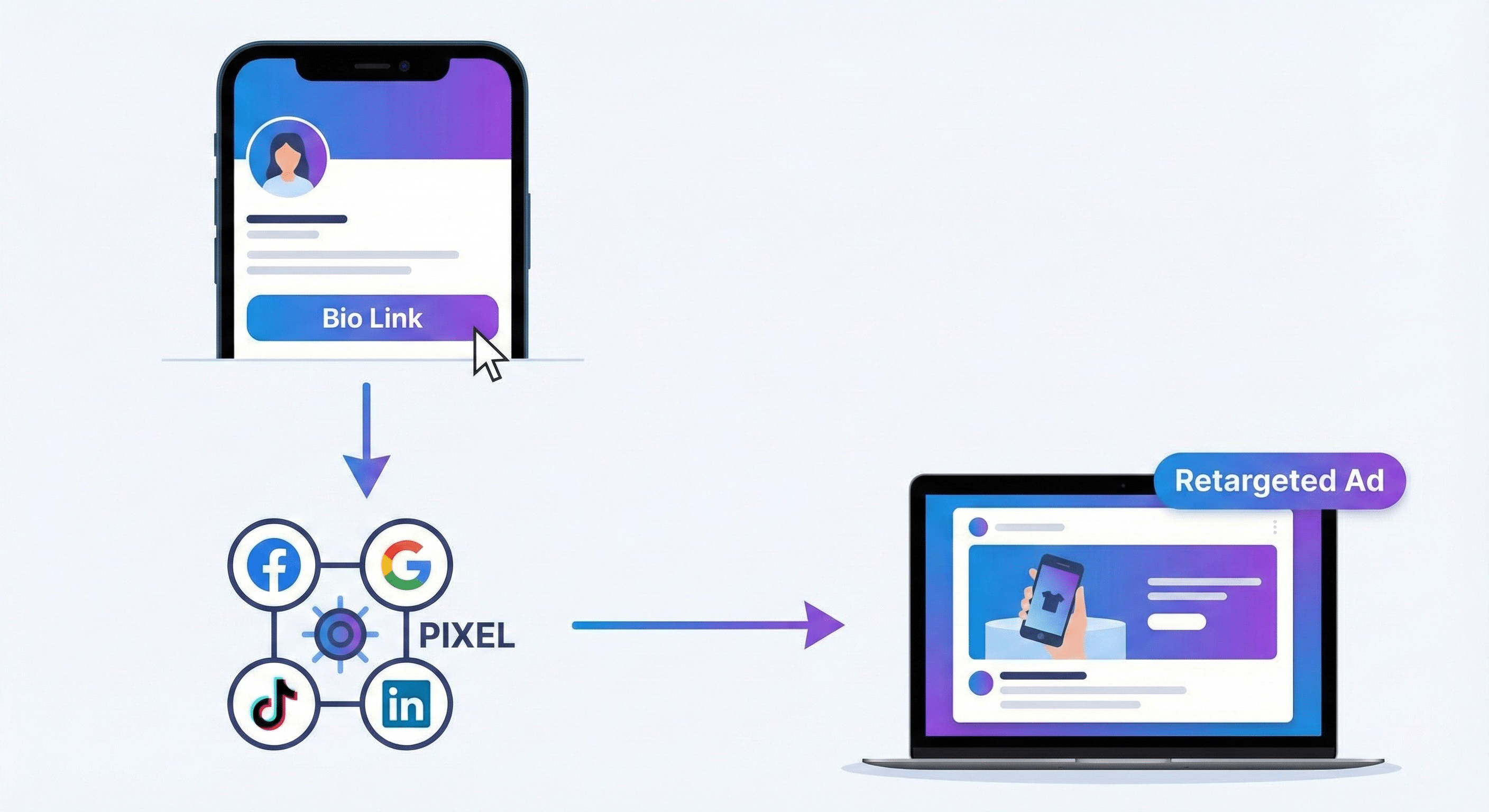
Your bio link page is your storefront. Test every link on it: does it open in a new window? Do the buttons work? Do the images load quickly? If you're using an announcement banner, make sure it displays correctly and doesn't cover content. If you have password protection, try logging in with it. Test the page on different screen sizes. Also, make sure tracking pixels are installed and working—you can use a browser extension to check network requests or a Chrome developer tool. This step ensures you're collecting the right data from the start.
Use a QR Code for Quick Testing
QR codes aren't just for print. You can create a QR code for your link and scan it with your phone for a quick test. This way you test the link as if you were a real visitor. Try scanning it from your computer screen or from a printed sheet. Make sure the code works under different lighting conditions. This test is especially useful if you plan to put the code on a product label or business card. And if you're using a custom QR code with colors and a logo, make sure it's still scannable.
Record Results and Improve Before Launch
After each test, note your findings. What worked? What failed? Are there slow links? Are there pages that don't work? Use these notes to fix issues before you spend budget on ads. You can also create a checklist for each campaign: test links, verify UTMs, check speed, try on mobile, confirm tracking pixels. This habit will save you a lot. And remember, testing doesn't stop at launch; monitor analytics after publishing to catch any new issues.
Key Takeaways
- Use Linki's free tools to check redirects, SSL, and overall link health.
- Test the link on mobile and from different apps before publishing.
- Verify country, device, and language targeting if you use them.
- Check your bio link page and its links, and make sure tracking pixels are working.
- Create a checklist for each campaign and record your test results.
Try these steps today, and if you want free tools to help with testing, you can visit Linki.ws and get started.