Why You Need to Protect Your Marketing Links
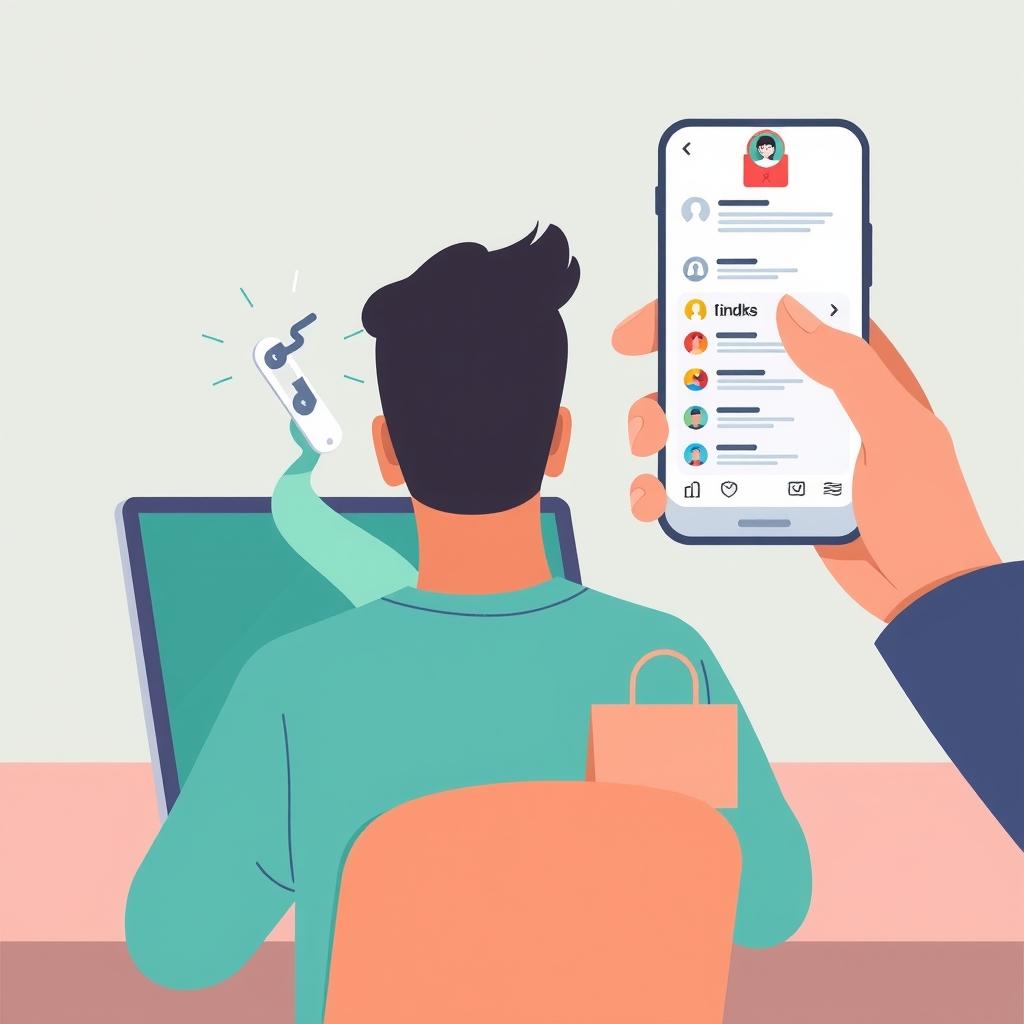
Imagine you run a small perfume shop and launch an ad campaign. A few days later, you notice clicks are high but sales are flat. The culprit might be that your marketing link has been tampered with or accessed without permission. When you share a short link, it becomes a sensitive entry point. If it falls into the wrong hands, it could be redirected to inappropriate content, used in scam campaigns, or posted on unwanted platforms. Protection isn't a luxury—it's essential for safeguarding your brand reputation and ad budget.
In this guide, we'll walk through practical ways to protect your links using Linki's real features, with steps you can take today. But first, here's a real-world scenario: Sarah, a small online store owner, noticed that a short link for a special offer started getting visits from a country she wasn't targeting. After reviewing her analytics, she discovered the link had been posted on an unwanted forum. Had she used a password or encrypted the destination, she could have avoided the issue. So every step in this guide is designed to give you an extra layer of protection without complexity.
Use Passwords to Restrict Access to Sensitive Links
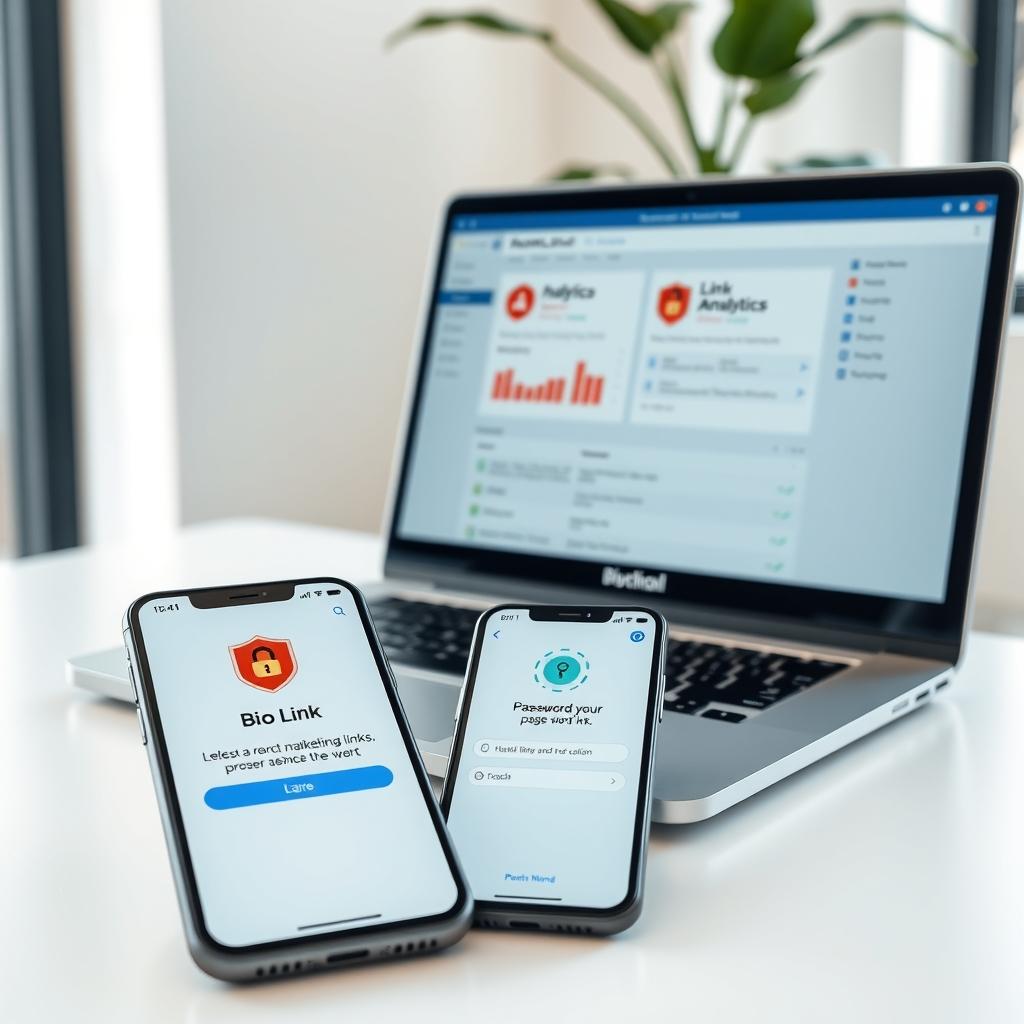
If you're sharing links to exclusive offers, paid content, or private landing pages, a password is your first line of defense. In Linki, you can add a password to a short link or a bio link page so that only those who know the password can open it. This is especially useful for a fitness trainer sharing a closed training program with clients, or a freelance designer sending a private portfolio link to a potential client.
The steps are simple: when creating a short link, look for the password protection option, enable it, and enter a strong password. Make sure to share the password through a separate channel (like a text message) and not alongside the link itself. You can also use this feature with a bio link page if it contains exclusive content. Don't share the password publicly, and update it periodically if needed.
Common mistake: using a weak password like "123456" or the product name. Use a mix of uppercase and lowercase letters, numbers, and symbols, and don't reuse the same password across multiple links. If you're running a multi-stage campaign, assign a unique password to each stage and change it after the campaign ends.
Encrypt the Destination URL to Prevent Link Tampering
When you create a short link, the original URL (the destination) is usually visible to anyone who expands the link. This can allow curious people or competitors to see your real destination, or even tamper with the link if they have access permissions. Fortunately, Linki offers destination URL encryption, which hides the real destination and prevents tampering. This means the short link will appear normal, but when a user clicks it, they'll be directed to the correct destination without it being revealed.
This feature is particularly useful when the destination is a payment page, exclusive content, or an affiliate link. To enable it, simply select the encryption option when creating the link. Remember that encryption doesn't affect redirect speed or user experience, but it adds an important layer of security.
Practical example: suppose you're promoting an ebook via an affiliate link. Without encryption, anyone can see your affiliate link and replace it with theirs, stealing your commission. With encryption, the destination stays hidden, making it harder for others to tamper with it. Common mistake: thinking encryption replaces a password. Encryption protects the destination from being revealed, but it doesn't prevent access to the link itself. Combine both features if the content is sensitive.
Monitor Who Visits Your Links with Tracking Pixels
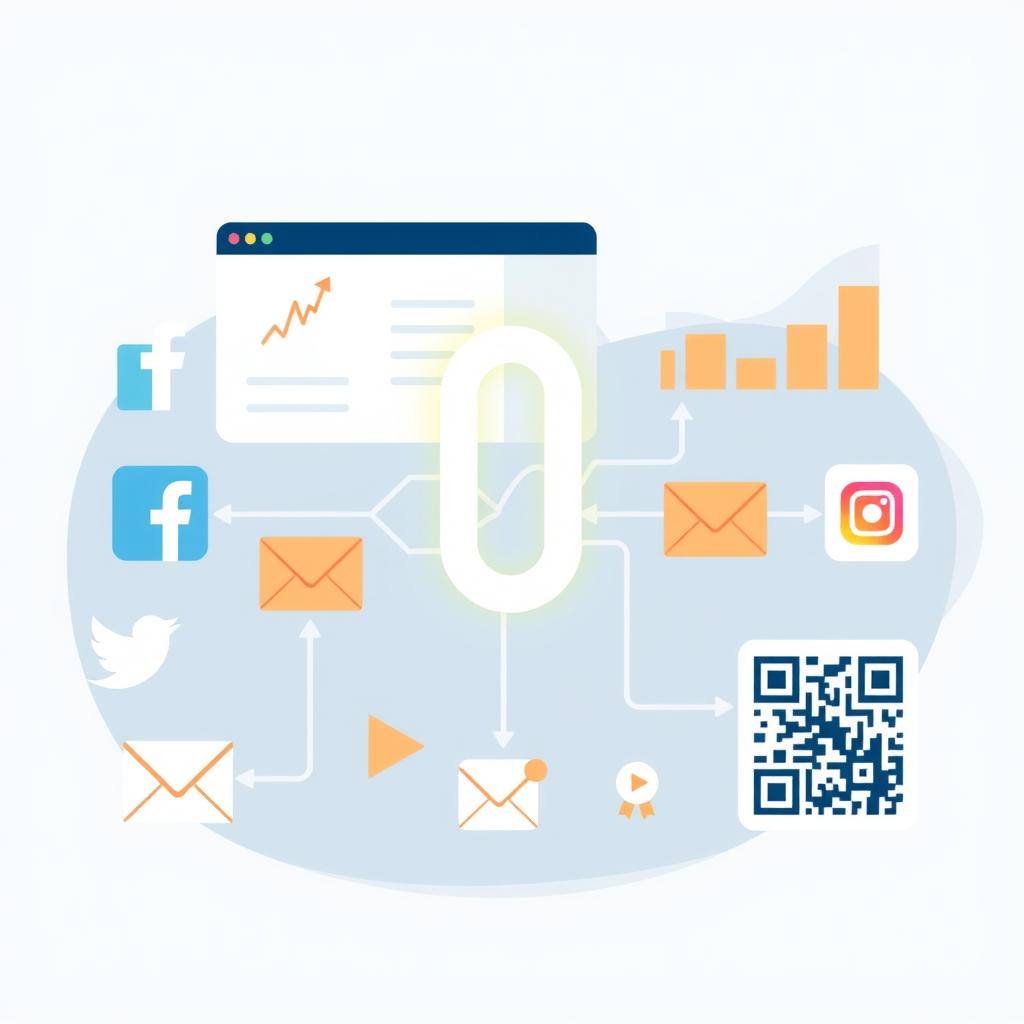
Tracking pixels aren't just for marketing and retargeting—they can also help you detect unauthorized activity on your links. When you add a tracking pixel (like Facebook Pixel or Google Analytics) to a short link or bio link page, you get data about visits: click counts, traffic sources, devices used, and even countries. If you notice a sudden spike in clicks from an unexpected source or a country you're not targeting, that could indicate tampering or an attempted breach.
You can also use tracking pixels to create a custom audience from link visitors, then exclude them from certain campaigns if you notice suspicious behavior. To activate a tracking pixel in Linki, go to the link or bio link page settings and add the pixel ID from the platform you're using. Make sure to comply with privacy laws like GDPR and CCPA.
Practical steps: start by adding at least one pixel (like Google Analytics) to monitor visits. Review pixel reports weekly and look for anomalies. If you notice suspicious activity, you can temporarily disable the link or change the destination. Common mistake: adding multiple pixels unnecessarily, which slows down the page and complicates data analysis. Stick to the pixels you actually need.
Use Deep Links to Guide Users to the Right Place
Deep links are links that point to a specific page inside a mobile app, rather than just opening the app on the home screen. For online store owners with an app, deep links can help direct users straight to a specific product or checkout page, reducing the chances of tampering or getting lost. In Linki, you can create deep links for mobile apps, with the option to auto-open the app on mobile devices.
This not only improves user experience but also ensures clicks lead to the correct destination inside the app, not to a random web page. For example, if you're promoting a new perfume, you can create a deep link that opens the product page directly in your store's app. This way, even if someone copies and shares the link, it will always lead to the correct destination.
Real scenario: a sportswear store launches a promotion on a specific shoe. Instead of sending the homepage link, they create a deep link that opens the shoe page directly in the app. If the user clicks from their phone, the app opens on the product page, reducing the chance of them getting lost or landing on the wrong page. Common mistake: not testing the deep link on different devices (iOS and Android) to ensure it works correctly.
Add a Splash Page to Alert Visitors Before Redirecting
A splash page is a page that appears to the user for a few seconds before redirecting to the final destination. You can use it to display a security warning, terms of use, or even a welcome message. In the context of protection, a splash page can be useful to inform visitors that the link they clicked is an official link from your brand, reducing the chances of link spoofing. You can also use it to add a password or simple verification before accessing sensitive content.
In Linki, you can enable a custom splash page for a short link, with the ability to customize the text and design. For example, if you're sharing a link to a special offer, you can show a splash page that says: "You're about to be redirected to an exclusive offer. Make sure you arrived at this link from an official source." This can help reduce fraudulent clicks and increase customer trust.
Practical steps: design a simple splash page with your brand logo and clear text. Keep the display duration short (2-3 seconds) so it doesn't annoy users. Test the page on different devices to ensure it displays correctly. Common mistake: using a long or complex splash page that makes users leave before reaching the destination.
Monitor Link Performance and Spot Anomalies in Analytics
Regular analytics are a powerful tool for detecting any abnormal activity on your links. In Linki, you can access detailed analytics including countries, cities, sources, devices, operating systems, browsers, and languages. Monitor this data weekly, or daily if the campaign is active. Look for unusual patterns: a large number of clicks from a country you're not targeting, a sudden spike in clicks from a single source, or a disproportionate use of old devices.
If you notice something suspicious, you can temporarily disable the link, change the password, or update the destination. You can also set up weekly email reports to remind you to review the data. Remember, analytics aren't just for measuring success—they're also for detecting potential threats.
Example: a LinkedIn ad campaign targeting procurement managers in specific countries. If you see many clicks from another country, the link may have been posted in an inappropriate place. Check the referrers to see where the visits are coming from. Common mistake: ignoring analytics after the campaign ends. Keep monitoring for a few weeks, as tampering may appear later.
Use Custom Domains to Build Trust and Security
When you use a custom domain for your short links (like go.yourbrand.com instead of linki.ws/abc123), you build trust with your audience and make it harder for fraudsters to spoof your links. A custom domain makes it easy for users to verify that the link belongs to your brand. In Linki, you can connect your custom domain and use it across all your short links and bio link pages.
This step is simple: go to domain settings, add your domain, and follow the verification instructions. After that, your links will appear with your own domain, boosting credibility and reducing the chances of clicks on fake links that resemble yours. Additionally, you can use an SSL certificate (which is automatically enabled in Linki) to ensure an encrypted connection.
Extra tip: use a short, memorable subdomain like go. or link. and make sure to update DNS records correctly. Common mistake: not verifying the domain after connecting, which can lead to broken links. Test the link yourself before sharing it.
Key Takeaways
- Enable password protection on sensitive links like exclusive offers or paid content, and share passwords securely.
- Use URL encryption to hide the real destination and prevent tampering.
- Add tracking pixels to monitor visits and detect unauthorized activity.
- Review analytics regularly and look for abnormal patterns in clicks.
- Use a custom domain to build trust and make it easier to verify your links.
You can try these features on Linki at https://linki.ws and start securing your links today.