Are You Leaving Money on the Table?
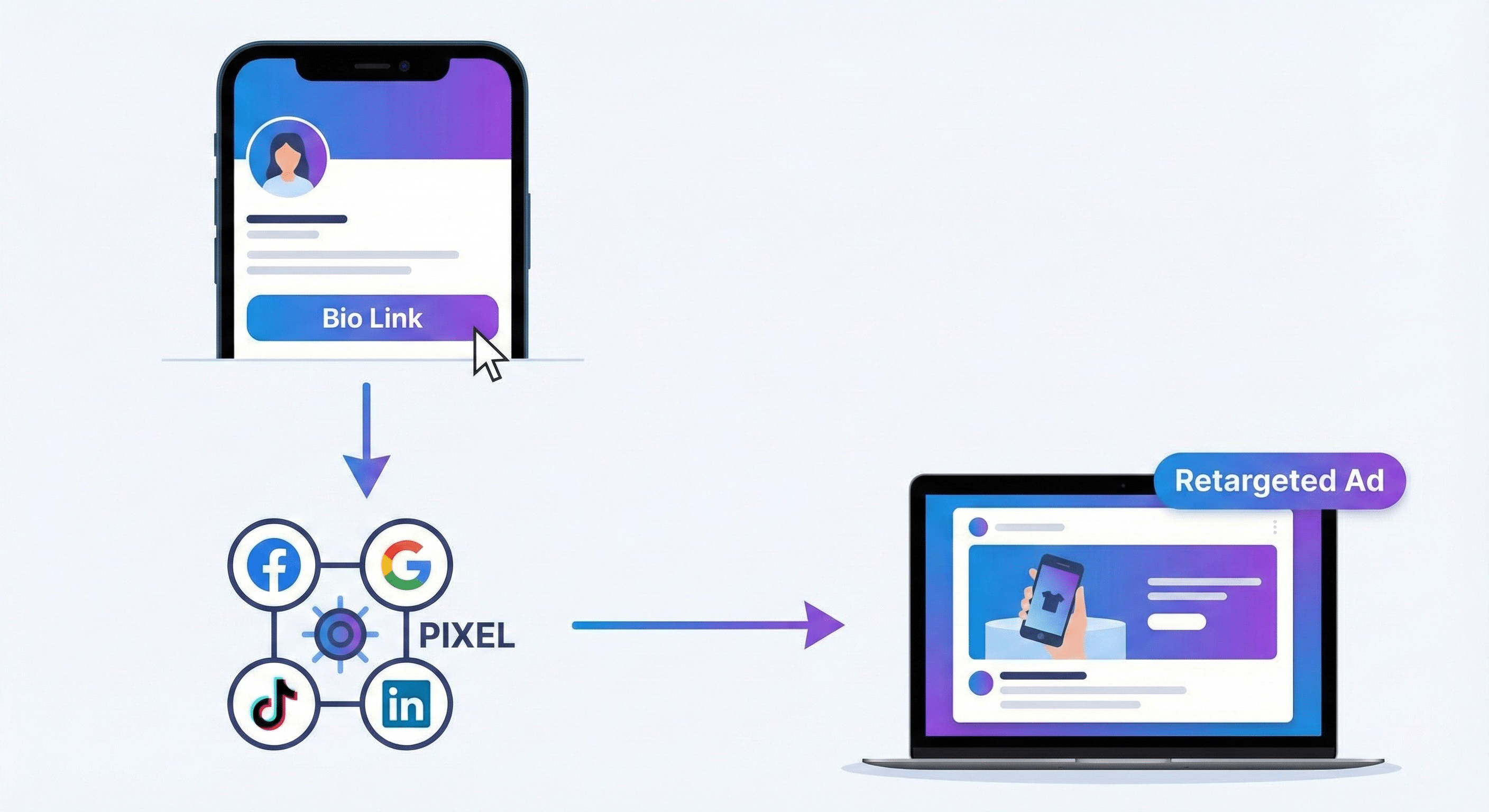
Most visitors who click on your bio link browse for a few seconds and leave. Without a tracking strategy, those potential customers are lost forever. This is where Retargeting changes the game.
What is Linki.ws Pixel Tracking?
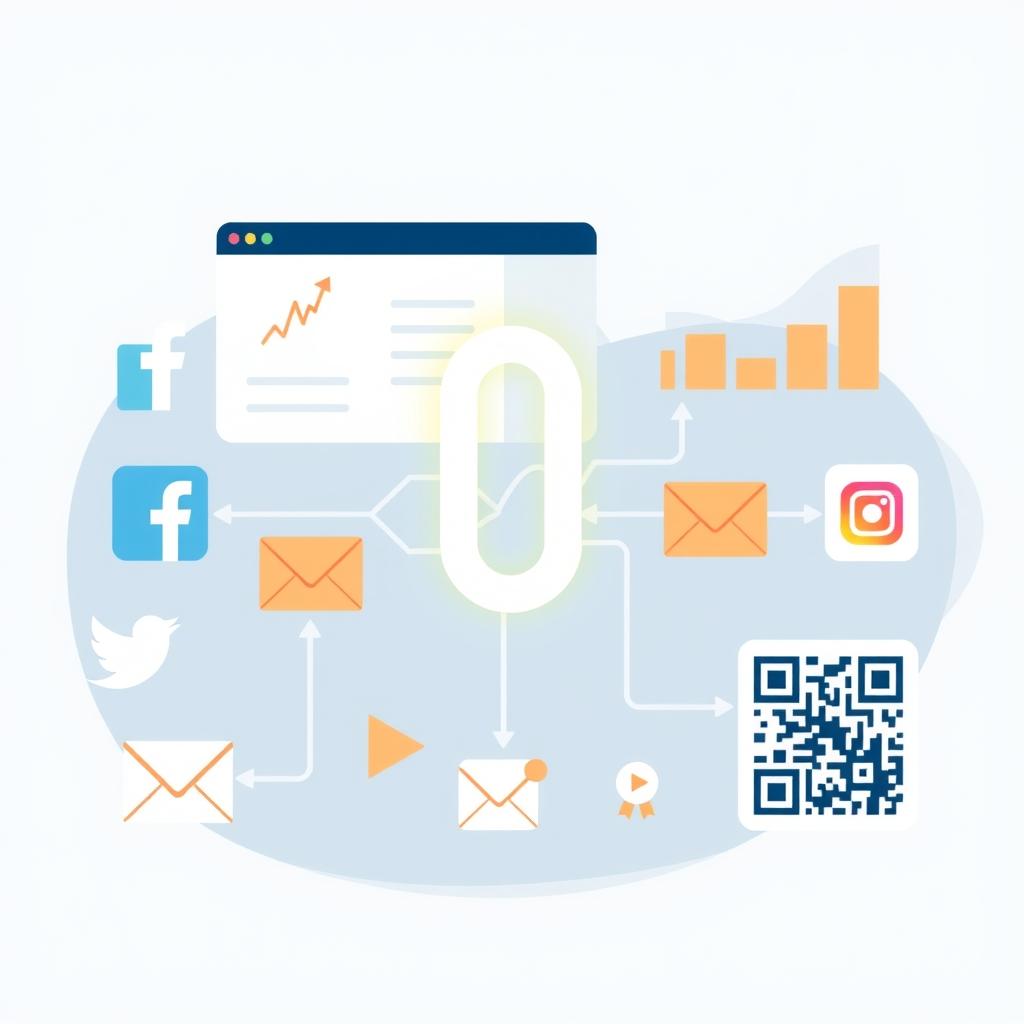
Linki.ws allows you to integrate tracking pixels from major platforms like Facebook (Meta), Google Analytics, TikTok, and LinkedIn directly into your bio pages and shortened links.
Why You Need This Feature:
- Track User Behavior: Understand exactly which links your visitors are clicking.
- Retargeting Ads: Show specific ads to people who visited your bio page but didn't buy yet.
- Better ROI: Stop wasting money on cold audiences; target people who already know you.
How to Set It Up in Minutes:
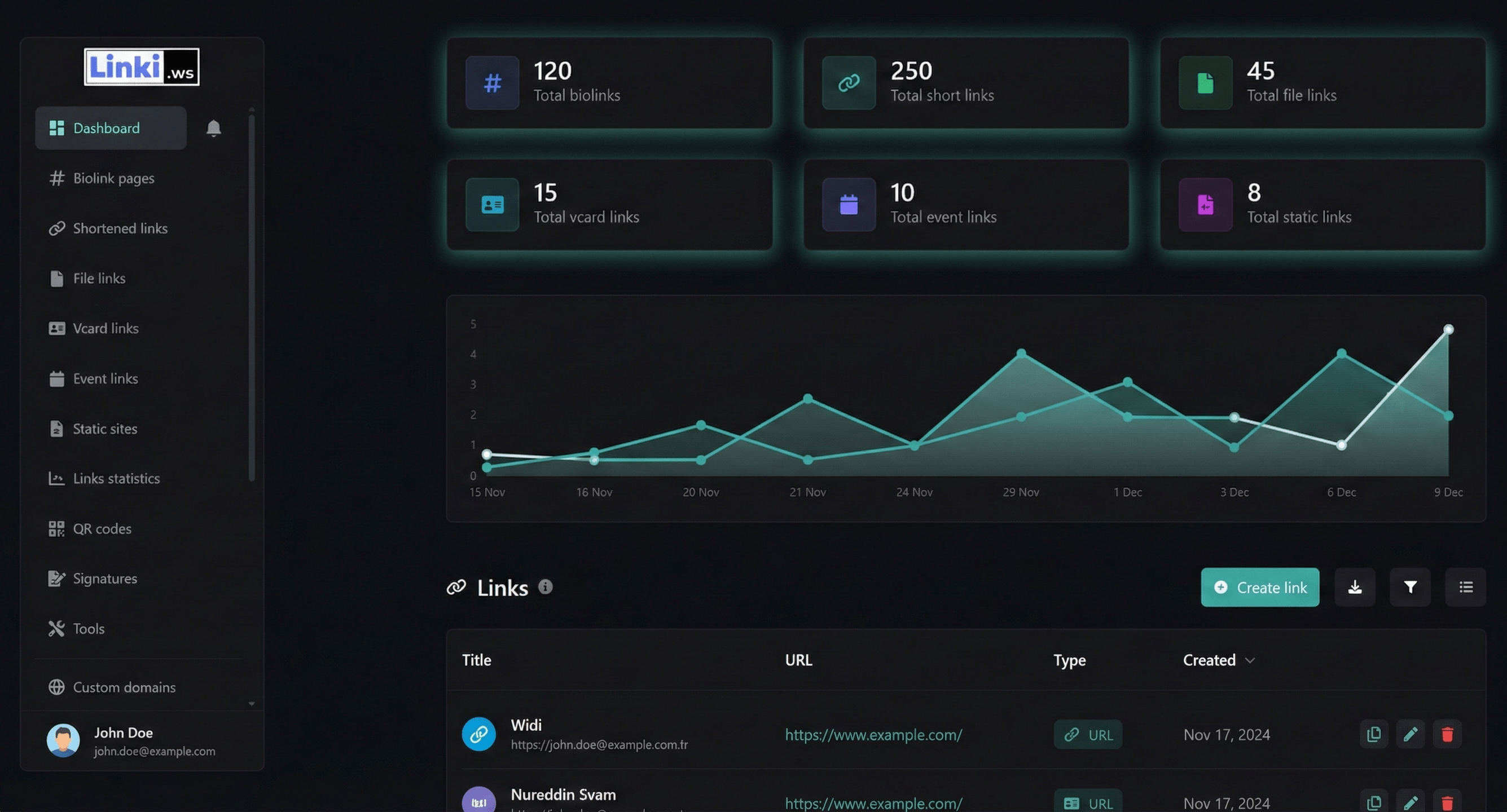
- Go to your Linki.ws Dashboard.
- Navigate to the Pixels section.
- Select your provider (e.g., Facebook Pixel) and paste your Pixel ID.
- Attach the pixel to any Bio Page or Shortened Link you create.
Start capturing your data today and turn clicks into customers with Linki.ws.